Best Residential Lock Upgrade Options 2026
Table of Contents
Top Residential Lock Upgrades for 2026
Quick Comparison: Smart Locks vs. Mechanical Upgrades
1. Schlage Encode Plus: Best Overall Smart Deadbolt
2. August Wi-Fi Smart Lock: Best Retrofit for Renters
3. Yale Assure Lock 2: Best Keyless Entry Experience
4. Eufy S3 Max: Best Biometric Security Lock
5. Kwikset Halo Touch: Best Fingerprint Lock for Families
6. Eufy C210: Best Budget Smart Lock
Where Mechanical Upgrades Still Win
Smart Lock Disadvantages and Installation Cost
Rekey vs. Replace Locks: Which Do You Need?
How We Chose These Locks
Frequently Asked Questions
Last Updated: October 15, 2026
Top Residential Lock Upgrades for 2026
Upgrading your front door lock is one of the fastest ways to improve home security, and the best residential lock upgrade options in 2026 blend keyless entry, remote access, and strong physical construction. This guide ranks the top residential lock upgrades for 2026 and shows how to match the lock to your door, your household, and your threat model.

A residential lock is the primary locking hardware on an entry door, most often a deadbolt paired with a knob or lever-handle lock. The deadbolt does the heavy lifting. Everything else is convenience layered on top.
Quick Comparison: Smart Locks vs. Mechanical Upgrades
Smart locks and mechanical locks solve different problems: a smart lock gives you keypad codes, app control, and access logs, while a high-security mechanical deadbolt gives you drill resistance, pick resistance, and zero electronics to fail.
Option | Best For | Key Strength | Main Trade-off |
Smart deadbolt | Remote access, guest codes | App control, auto-lock | Battery and connectivity |
Retrofit smart lock | Renters, existing hardware | Non-destructive install | Needs compatible deadbolt |
Biometric lock | Hands-free entry | Fingerprint access | Sensor sensitivity |
Mechanical Grade 1 | Maximum physical security | Forced-entry resistance | No smart features |
Most homes benefit from a hybrid approach: a smart deadbolt for daily convenience paired with a reinforced strike plate and a solid door frame. The lock is only as strong as the wood and metal around it.
1. Schlage Encode Plus: Best Overall Smart Deadbolt
The Schlage Encode Plus is our top pick for a residential lock upgrade because it combines an ANSI/BHMA Grade 1 security rating with built-in Wi-Fi and Apple HomeKey support. You get tap-to-unlock convenience without adding a hub, plus voice control through Alexa and Google Assistant. The main drawback is the price. At around $329, it costs more than entry-level models, but the Grade 1 rating and brand reliability justify it for a front door. If you want one lock that handles security and convenience, start here.
Smart Locks, Door Locks, Door Knobs, Door Levers, Handlesets
2. August Wi-Fi Smart Lock: Best Retrofit for Renters
Renters rarely get permission to swap out exterior hardware, and the August Wi-Fi Smart Lock solves that by installing on the interior side of the door. You keep your existing deadbolt and keys, which makes this a renter-friendly upgrade that reverses cleanly at move-out. Installation takes about 20 minutes, and auto-lock plus proximity unlock handle the daily routine. The catch: it only works if you already have a compatible deadbolt, and the exterior key still works, so it does not add forced-entry resistance on its own.
August website
Best For Renters and anyone who wants keyless convenience without removing their existing front door lock or handing a key to a landlord.
3. Yale Assure Lock 2: Best Keyless Entry Experience
A key-free design is the standout feature of the Yale Assure Lock 2. With no keyway, there is nothing to pick, and access runs through the keypad, the app, or auto-unlock. It supports both Wi-Fi and Bluetooth, and you can issue temporary codes for guests or contractors, then revoke them later. The compact body looks cleaner than most deadbolts on the market. One thing to know: some versions need a separate Wi-Fi module for remote access, so confirm which model you are buying before checkout.
Shopyalehome website
4. Eufy S3 Max: Best Biometric Security Lock
Fingerprint access reaches the front door with the Eufy S3 Max, which pairs biometric recognition with an integrated camera and doorbell. It stores footage locally, so you are not locked into a subscription, and the tamper resistance is above average for a smart lock. The trade-off is size. It has a larger physical footprint on the door, which matters on narrow stiles or doors with decorative trim. For households that want one device handling entry and video, this is the most complete option in this roundup.
Eufylife website
5. Kwikset Halo Touch: Best Fingerprint Lock for Families
Managing codes for a full household gets old fast, and the Kwikset Halo Touch sidesteps that by storing up to 50 fingerprints. Family members just touch the sensor. It connects directly to Wi-Fi, supports remote locking through the app, and uses SmartKey Security, which lets you rekey the lock yourself in seconds if a key goes missing. The fingerprint sensor can be sensitive to moisture, so dry your hands on a rainy day before trying again.
Door Locks, Door Hardware, Smart Locks & Smartkey Technology | Kwikset
6. Eufy C210: Best Budget Smart Lock
Budget buyers still get solid smart features with the Eufy C210, which starts around $100 and includes a keypad with anti-peep technology, Bluetooth control, and weather-resistant construction. Installation is straightforward enough for most DIYers. The limitation is clear: there is no built-in Wi-Fi, so remote access requires a bridge. If you mostly need keypad entry and local control, it delivers good value without the premium price.
Eufylife website
Where Mechanical Upgrades Still Win
Forced-entry resistance is where mechanical locks outperform smart hardware, and no app feature replaces a Grade 1 deadbolt bolted into a reinforced frame.
Start with the rating. ANSI/BHMA A156.5 grades deadbolts from Grade 3 (lowest residential) to Grade 1 (highest).
Cylinder technology is the next layer. Standard pin-tumbler cylinders can be picked or bumped with widely available tools.
Hardware components matter as much as the cylinder. Look for:
Solid brass or hardened steel bolt rather than a hollow or sintered bolt that can be sawed.
Free-spinning or hardened collar around the cylinder to defeat wrench and pipe attacks.
Anti-saw or anti-drill pins in the cylinder body.
Reinforced strike plate with at least 3-inch screws that reach the wall stud, not just the door trim.
Heavy-duty deadbolt throw of at least 1 inch into the jamb.
The honest limitation: no remote locking, no access codes, no logs, no auto-lock.
Watch Out Skipping the strike plate and frame reinforcement is the most common mistake we see. A Grade 1 deadbolt mounted into a soft frame with short screws fails under a single hard kick, because the bolt holds while the frame splits. Reinforce the strike plate with long screws into the stud, and the same lock performs very differently.
Smart Lock Disadvantages and Installation Cost
The main smart lock disadvantages are battery dependence, connectivity issues, and cybersecurity exposure. Every smart lock needs power, and a dead battery can lock you out unless you have a backup key or keypad.
Battery life varies widely.
Connectivity is the second failure point. If your router reboots, your internet goes down, or the manufacturer's cloud has an outage, remote features stop working.
Cybersecurity deserves more attention than it usually gets. A smart lock stores access codes, timestamps, and sometimes user names in the manufacturer's cloud, governed by the company's privacy policy, not by you. Practical steps:
Enable two-factor authentication on the lock's app account.
Use a unique password, not one reused from another service.
Remove old user codes when a roommate moves out or a contractor's job ends.
Check whether the manufacturer publishes security updates and how long it commits to supporting the model.
Prefer a lock that supports Matter or a major ecosystem, since those platforms tend to enforce baseline security requirements.
Long-term ownership cost is the piece most buyers miss. Beyond the purchase price, budget for:
Batteries: roughly $10 to $20 per year per lock, depending on model and climate.
Subscriptions: some locks charge for cloud video storage or advanced access logs, often $3 to $10 per month. Locks with local storage, like the Eufy S3 Max, avoid this.
Replacement parts: keypads, cylinders, and interior assemblies can fail and may not be covered after the warranty period.
Warranty: most major brands offer a limited lifetime mechanical warranty and a shorter electronics warranty, often one to three years. Read which parts are covered.
Software support: a lock whose app is abandoned by the manufacturer becomes a keypad-only lock at best. Check the brand's update history before buying.
Smart lock installation cost depends on the lock, your door, and whether the existing bore hole matches the new hardware.
Pro Tip Before buying any smart lock, photograph your existing deadbolt and measure the door thickness and backset. Matching the backset and bore hole up front is the difference between a 20-minute install and a return trip to the hardware store.
Key Takeaway A smart lock is a subscription to convenience with a security layer on top. Budget for batteries, possible subscriptions, and the installation labor, and confirm the lock still opens when the network does not.
Rekey vs. Replace Locks: Which Do You Need?
Rekeying changes the internal pins so old keys stop working, while replacing swaps the entire lock for new hardware. Rekey if the lock is solid and you simply want new keys after a move, a breakup, or a lost key. Replace if the lock is worn, low-grade, or you are upgrading to smart or high-security hardware. For a new home, rekeying every exterior lock is the fastest way to know no previous occupant still holds a working key.
How We Chose These Locks
We ranked these residential lock upgrade options on security rating, installation difficulty, connectivity, battery life, and long-term support. We weighted ANSI/BHMA grades heavily, because forced-entry resistance is the one job a lock cannot fail at. We also factored renter-friendliness, backup access, and app reliability, since a lock that frustrates you daily gets disabled or ignored. Where a lock has a real weakness, we said so.
Key Takeaway Match the lock to the door and the threat. A smart deadbolt with a reinforced frame beats a premium lock on a weak frame every time. Security is a system, not a single product.
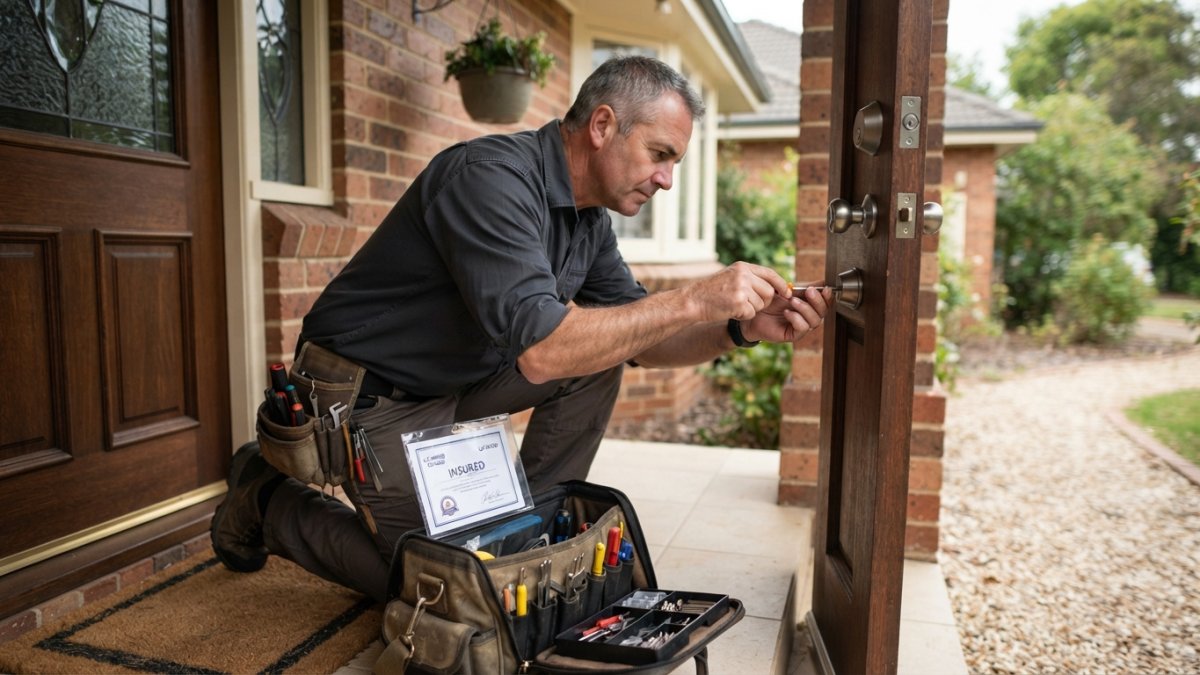
Choosing the right residential lock upgrade comes down to matching hardware to your door, your household, and the risks you actually face. If you would rather not measure, drill, and troubleshoot on your own, A Ej Locksmith can handle the whole job: our Master Locksmith team is fully licensed, bonded, and insured, we offer 24/7 emergency service, and we bring mobile service directly to your home.
Frequently Asked Questions
What are the best locks for homes?
The best residential lock depends on your priorities. For maximum physical security, a high-security deadbolt like the Medeco Grade 1 offers drill and pick resistance. For smart features, the Schlage Encode Plus combines Grade 1 security with Apple HomeKey and built-in Wi-Fi. Budget-conscious buyers can consider the Eufy C210, while renters may prefer the August Wi-Fi Smart Lock for its non-destructive retrofit design. Always check the ANSI/BHMA grade; Grade 1 is the highest residential rating.
Is Schlage or Kwikset better?
Both brands offer reliable residential lock upgrades. Schlage is often favored for its ANSI/BHMA Grade 1 security ratings and strong integration with Apple HomeKit, as seen in the Encode Plus. Kwikset's Halo Touch stands out for its SmartKey re-keying technology and fingerprint access for up to 50 users. Your choice should depend on whether you prioritize maximum security certification (Schlage) or flexible, code-free access for a large family (Kwikset).
What are the disadvantages of a smart door lock?
Smart lock disadvantages include reliance on batteries, potential electronic failures, and cybersecurity risks if not properly secured. Some models lack built-in Wi-Fi, requiring a separate bridge for remote access. Installation may also be more complex than a standard deadbolt, especially if your door is not compatible. Additionally, smart locks typically cost more upfront than mechanical locks, and features like auto-unlock can sometimes trigger unexpectedly.
Are smart locks more secure than traditional deadbolts?
Smart locks can be as secure as traditional deadbolts if they carry a high ANSI/BHMA rating, such as Grade 1. For example, the Schlage Encode Plus meets Grade 1 standards. However, smart locks add electronic components that could fail or be hacked if not updated. A high-security mechanical deadbolt like the Medeco Grade 1 has no electronic failure points and resists physical attacks. The best approach may be combining a smart lock with a reinforced strike plate and door frame.
How much does it cost to upgrade a residential lock?
Smart lock installation cost varies based on the lock model and whether you hire a professional. Basic DIY smart locks like the Eufy C210 start around $100, while premium models like the Schlage Encode Plus retail for about $329. Professional installation can add to the total, but exact pricing depends on your door type and location. For a precise quote, contact a licensed locksmith who can assess your specific needs and provide transparent pricing.
Contact Us
Comments